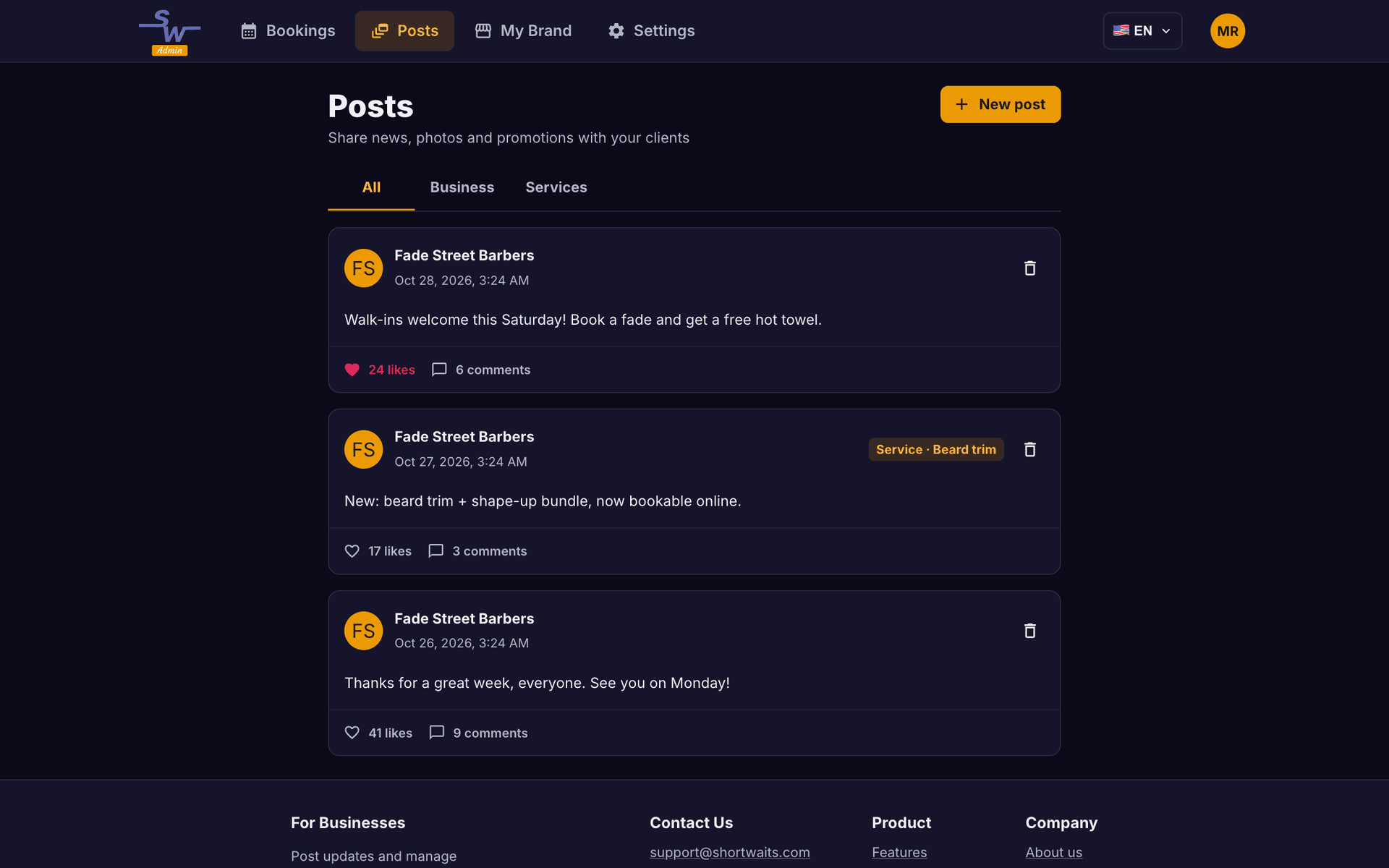
Manage bookings and stay connected between visits. Post announcements, photos and offers in Shortwaits Admin. Your clients see them in the Shortwaits app, where they can like, comment and hear back from you.
Create your business account in minutes. Start on the free plan.
Manage your business on the go with Shortwaits Admin for iPhone and Android.


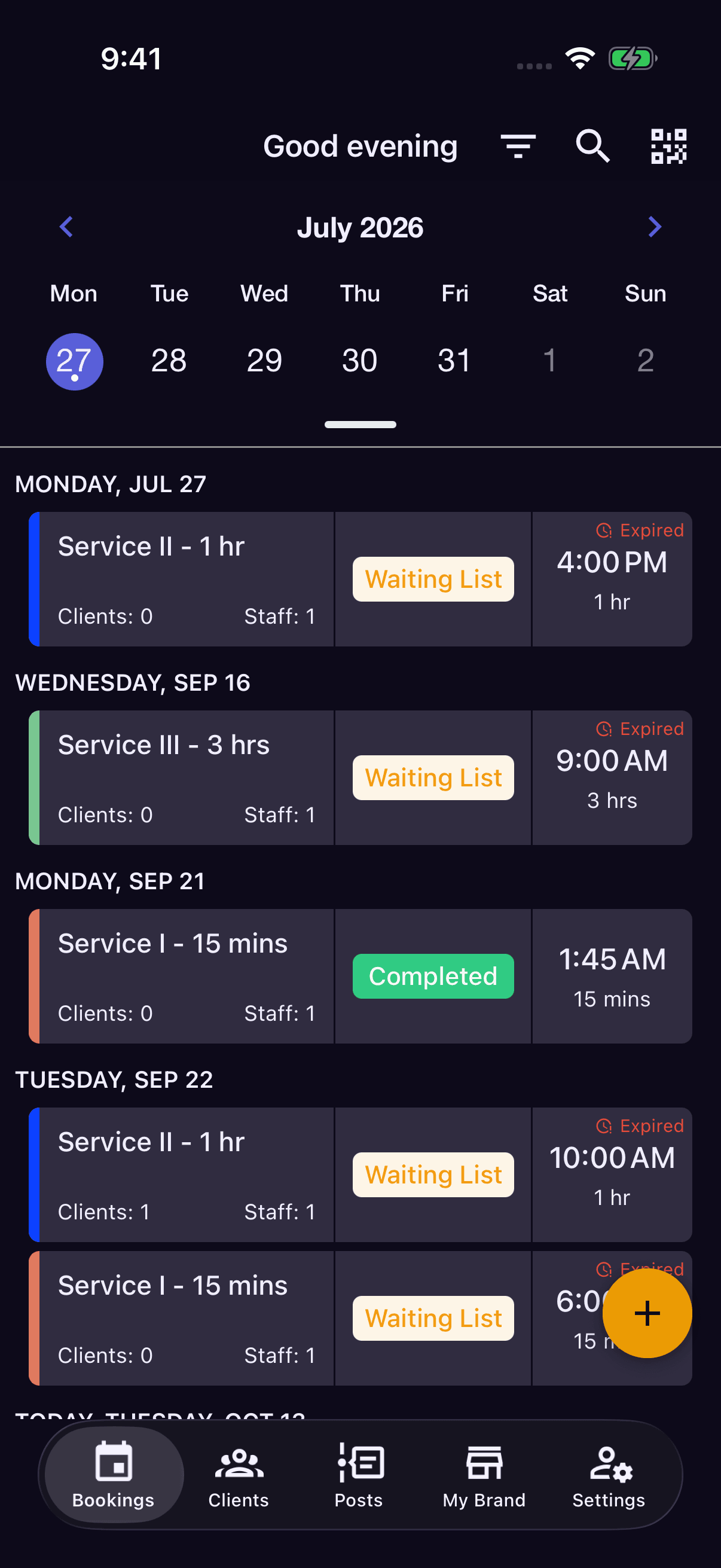

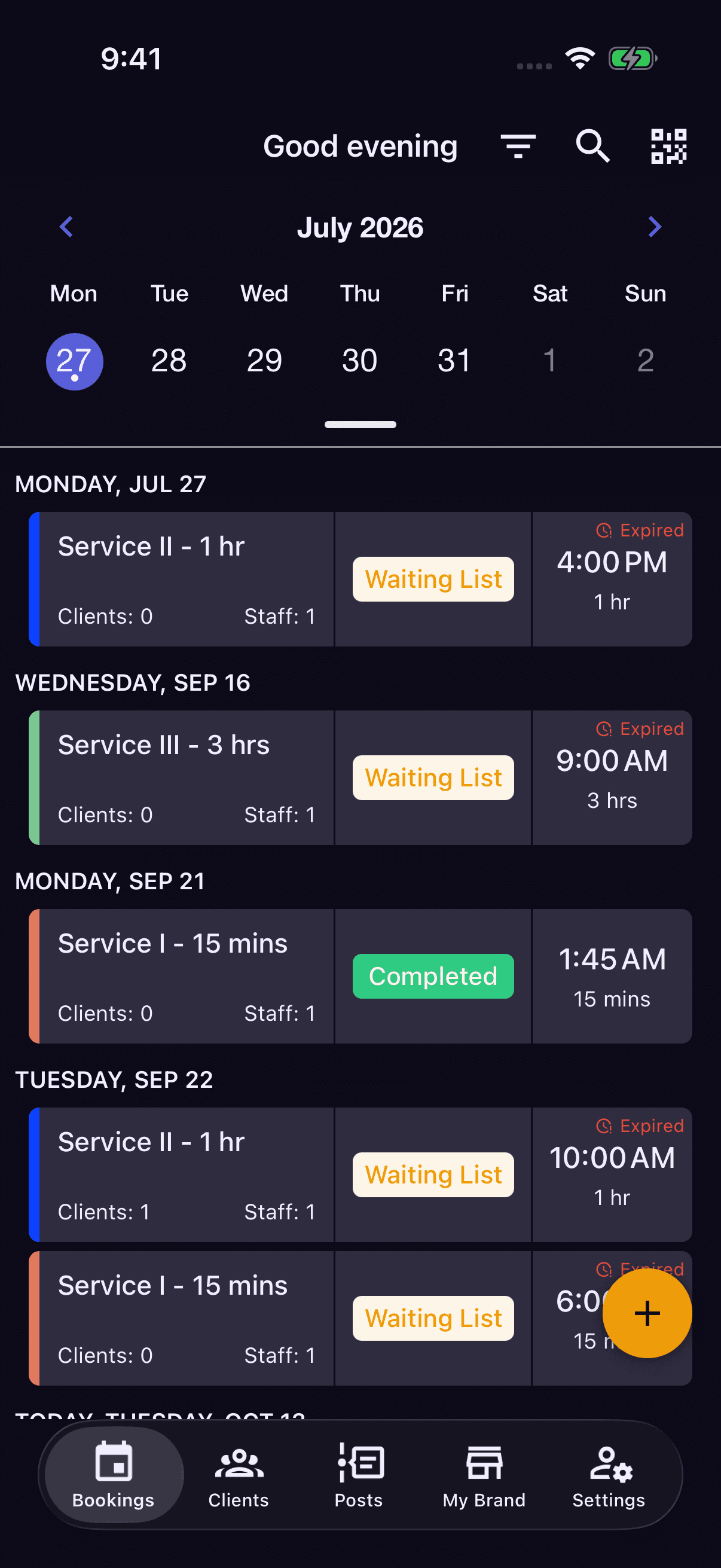
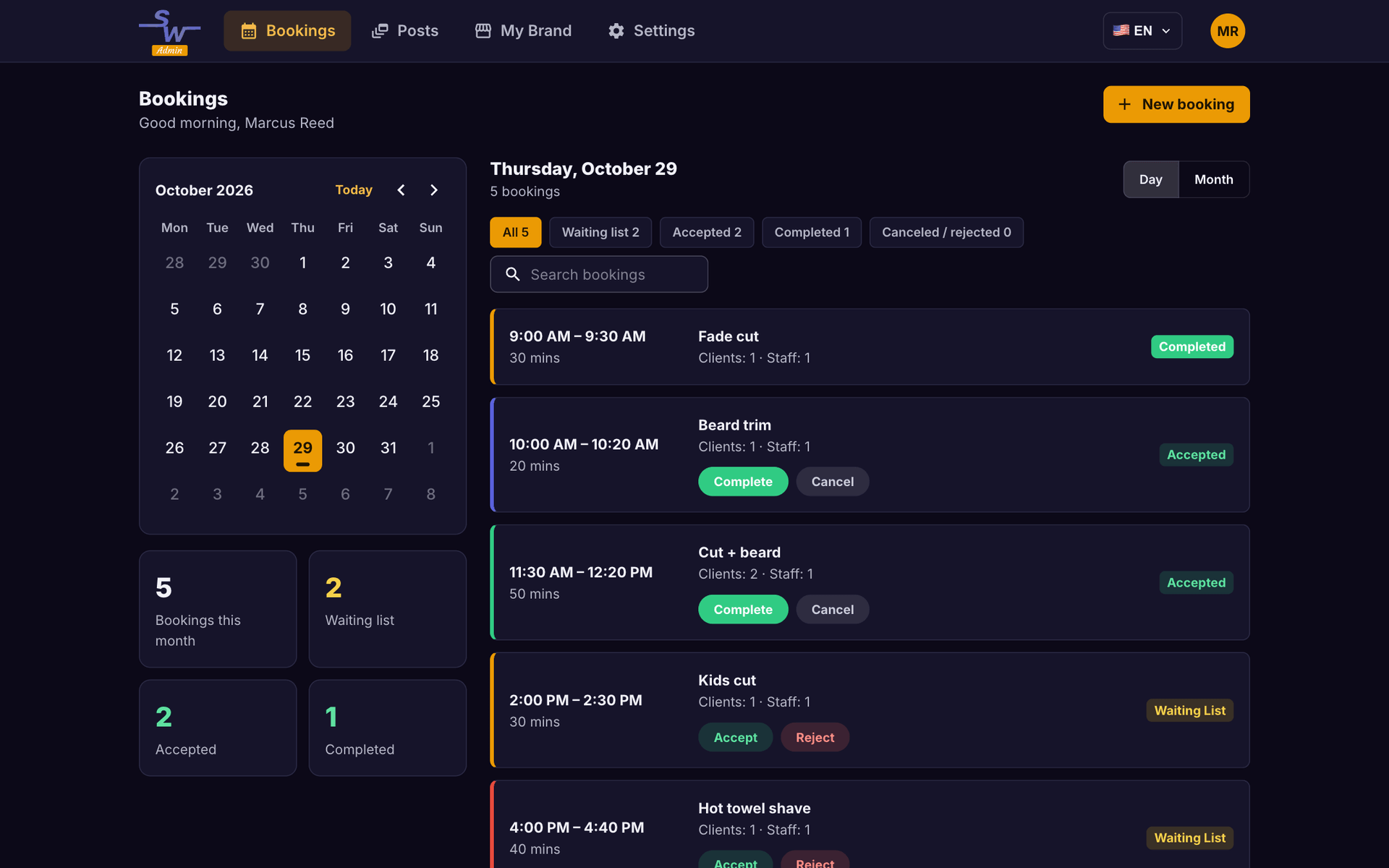
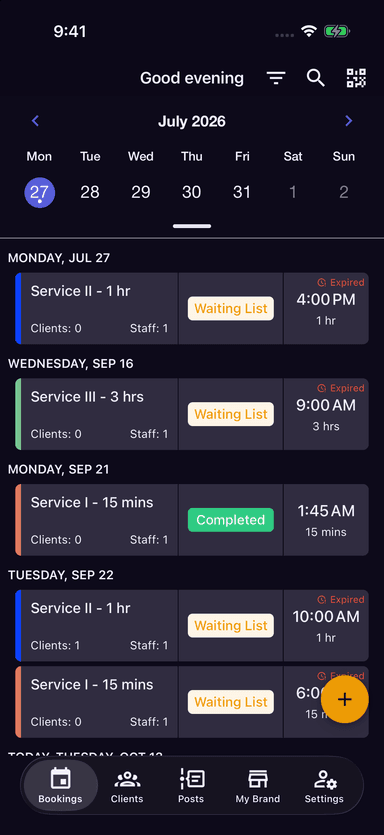
Your day, at a glance
Bookings, status, and assigned staff in one place.Manage your bookings and keep clients in the loop. Post an announcement in Shortwaits Admin, let clients see it in the Shortwaits app, and keep the conversation going through comments.
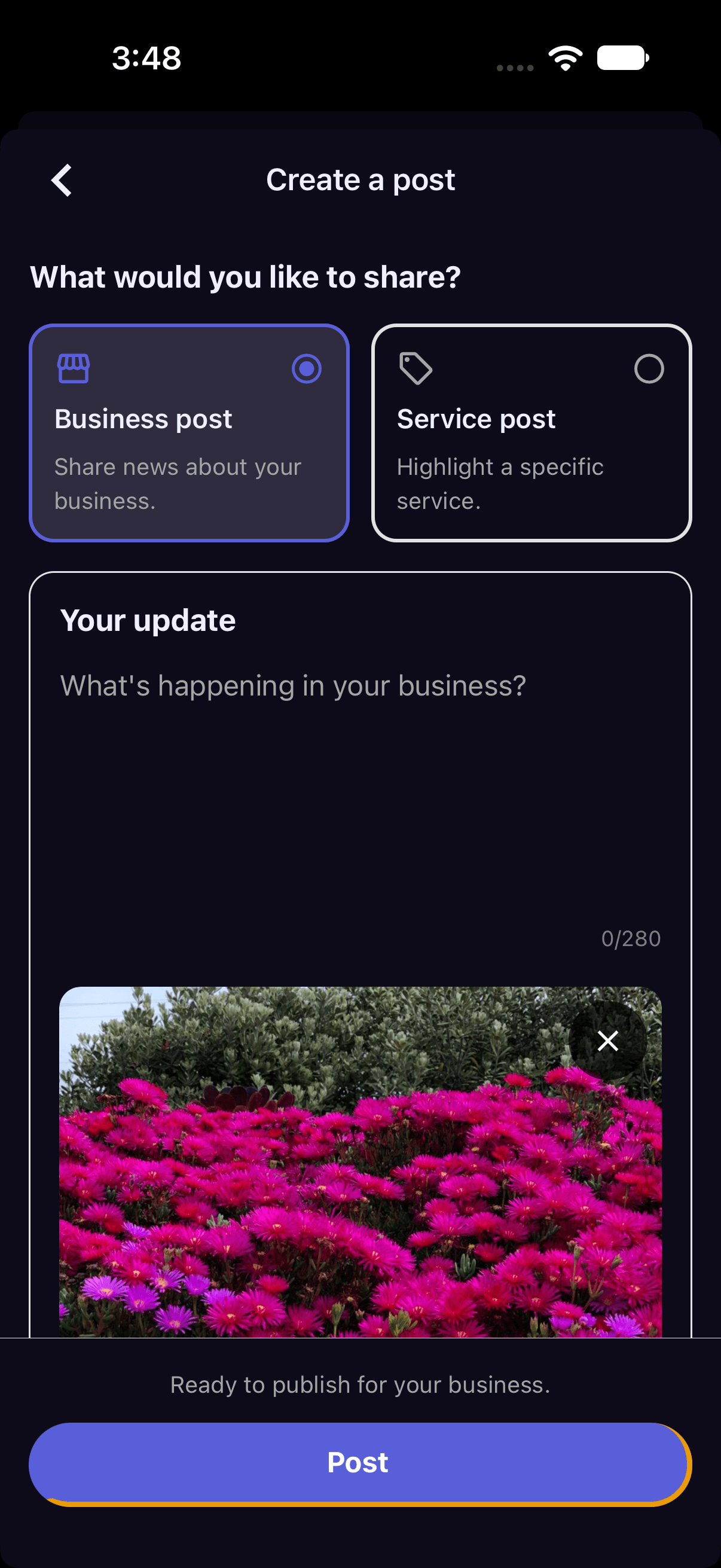
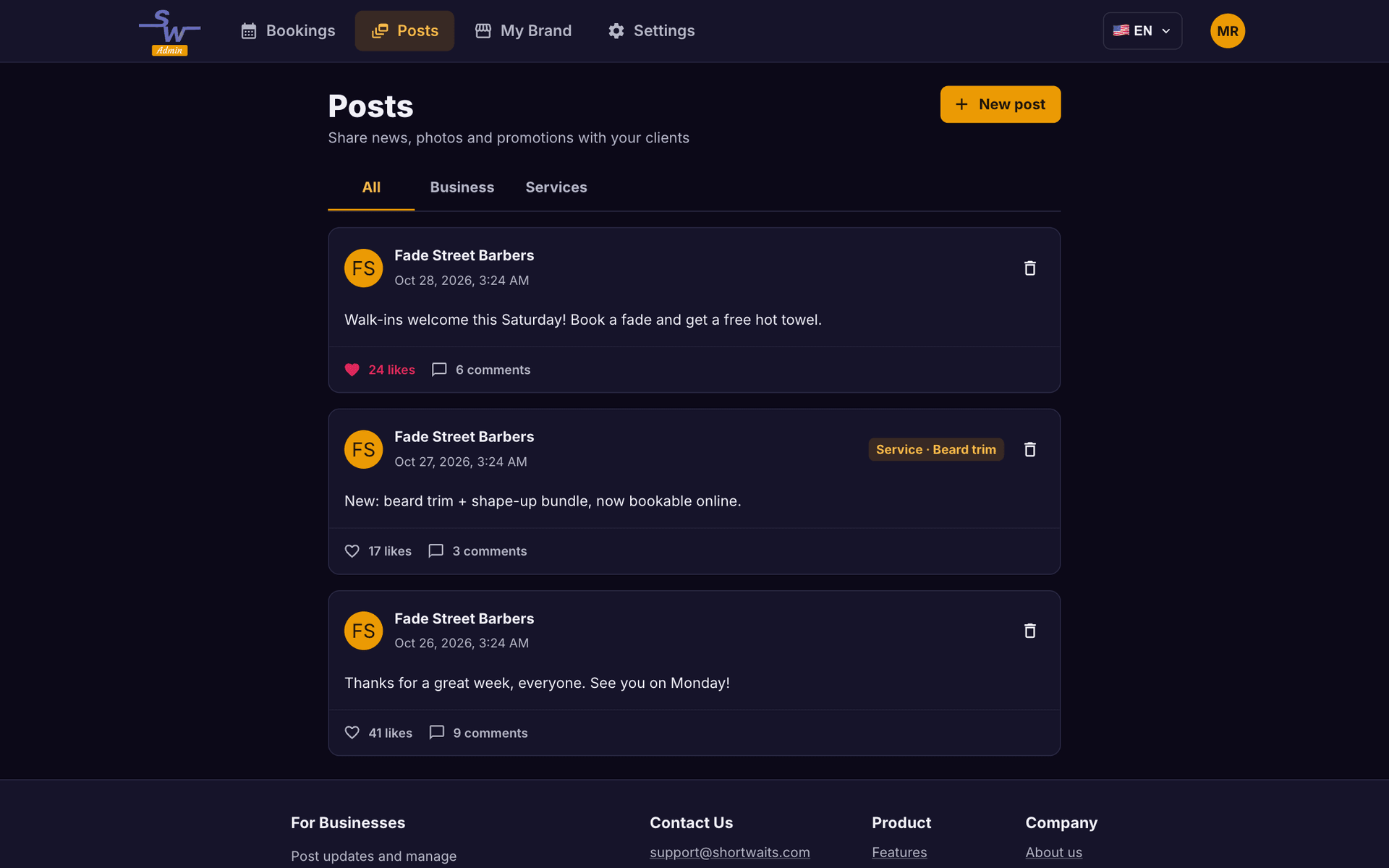
New service? Special offer? Updated hours? Publish an announcement your clients can see in the Shortwaits app, then reply to their comments.
See how announcements workKeep bookings, appointment statuses and staff assignments in view, whether you’re at your desk or between clients.
Explore the calendarSet up your services and availability, choose how bookings are approved, and turn on online booking when you’re ready.
Explore online bookingShortwaits isn’t just a booking calendar. It’s a place to stay connected with your clients between visits: you publish from Shortwaits Admin, and they see your posts in the Shortwaits client app.
Announce a new service, share an offer or let clients know your hours have changed—with text and photos.
Clients can follow your business and see your updates in their app feed.
Clients can like and comment on your posts. Reply to their comments to keep the conversation going.
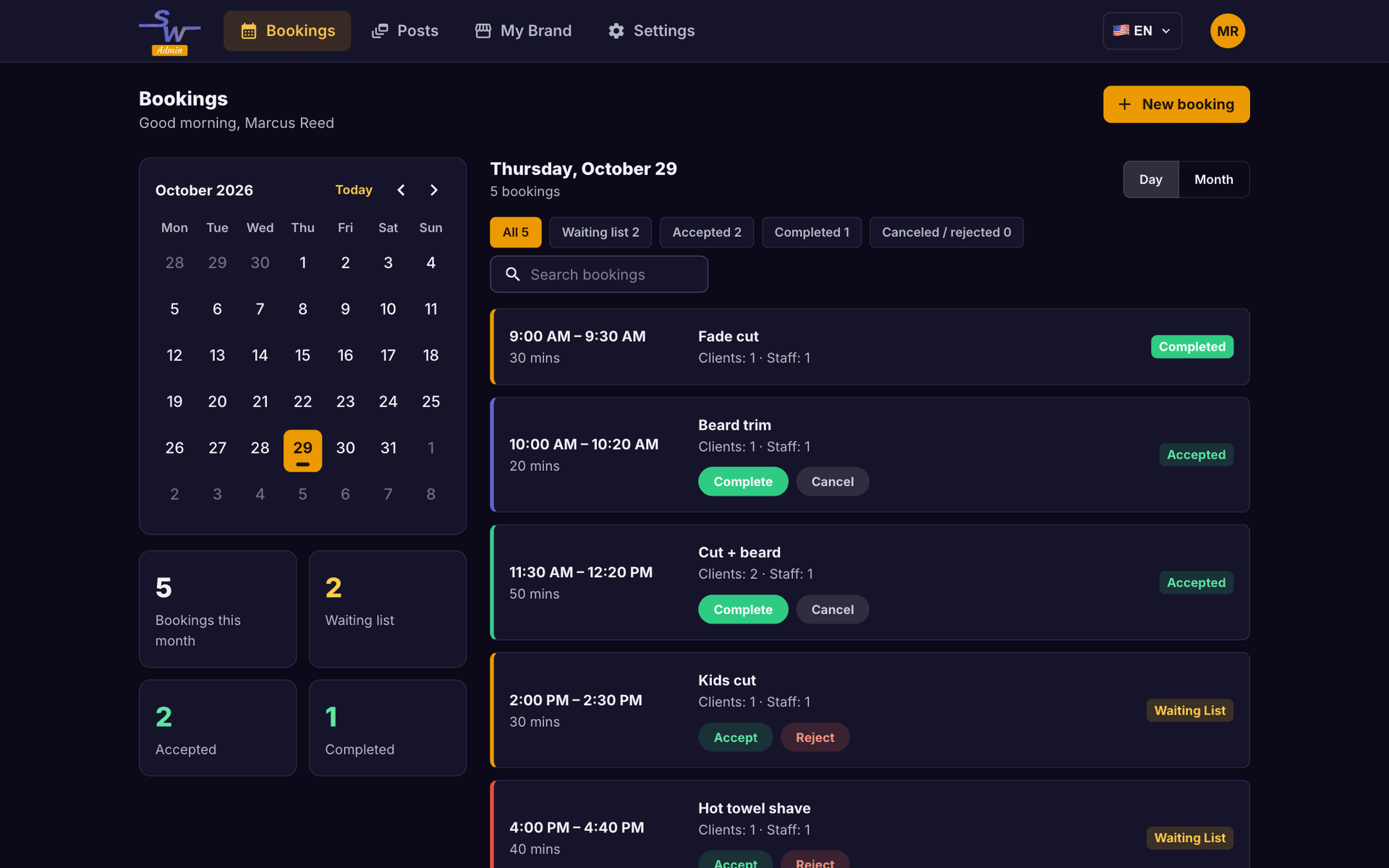
Move from scattered messages to a shared view of your appointments. Shortwaits Admin helps you see what’s coming up and keep each booking moving.
See appointment times, booking statuses and assigned professionals together.
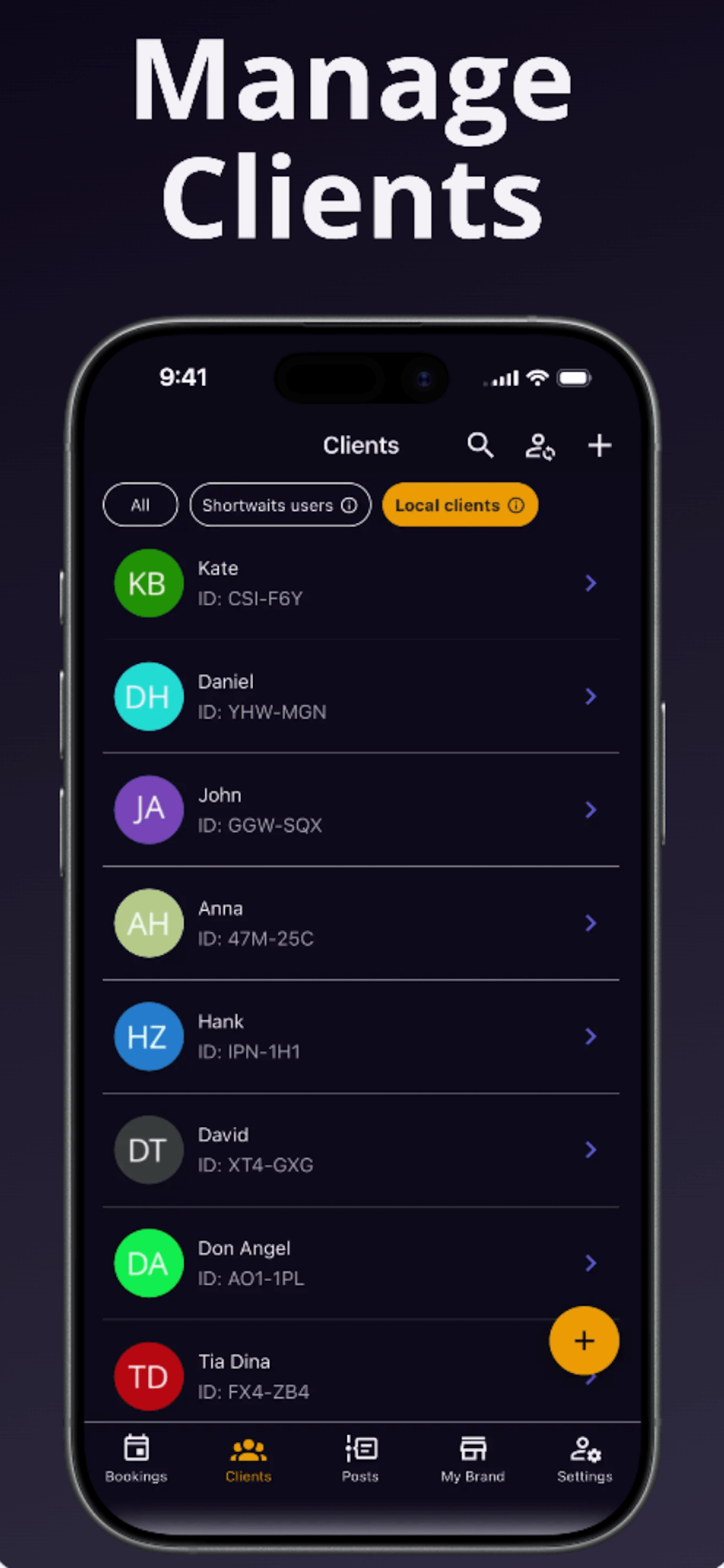
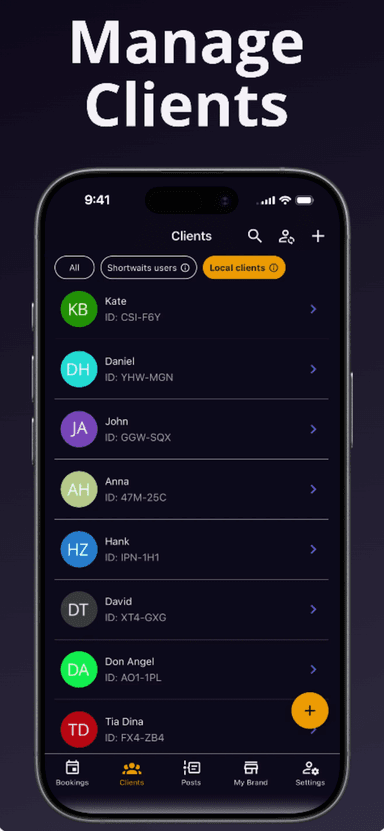
Create and manage bookings for app users and local clients.
Keep client details organized alongside the services and team you manage.
Share your public business profile and booking link so clients can explore your business and choose a visit that works for them.
Clients can select multiple services and available add-ons in one booking.
Let clients choose a professional and an available appointment time.
Choose automatic approval or review booking requests yourself. Online booking starts off during setup.
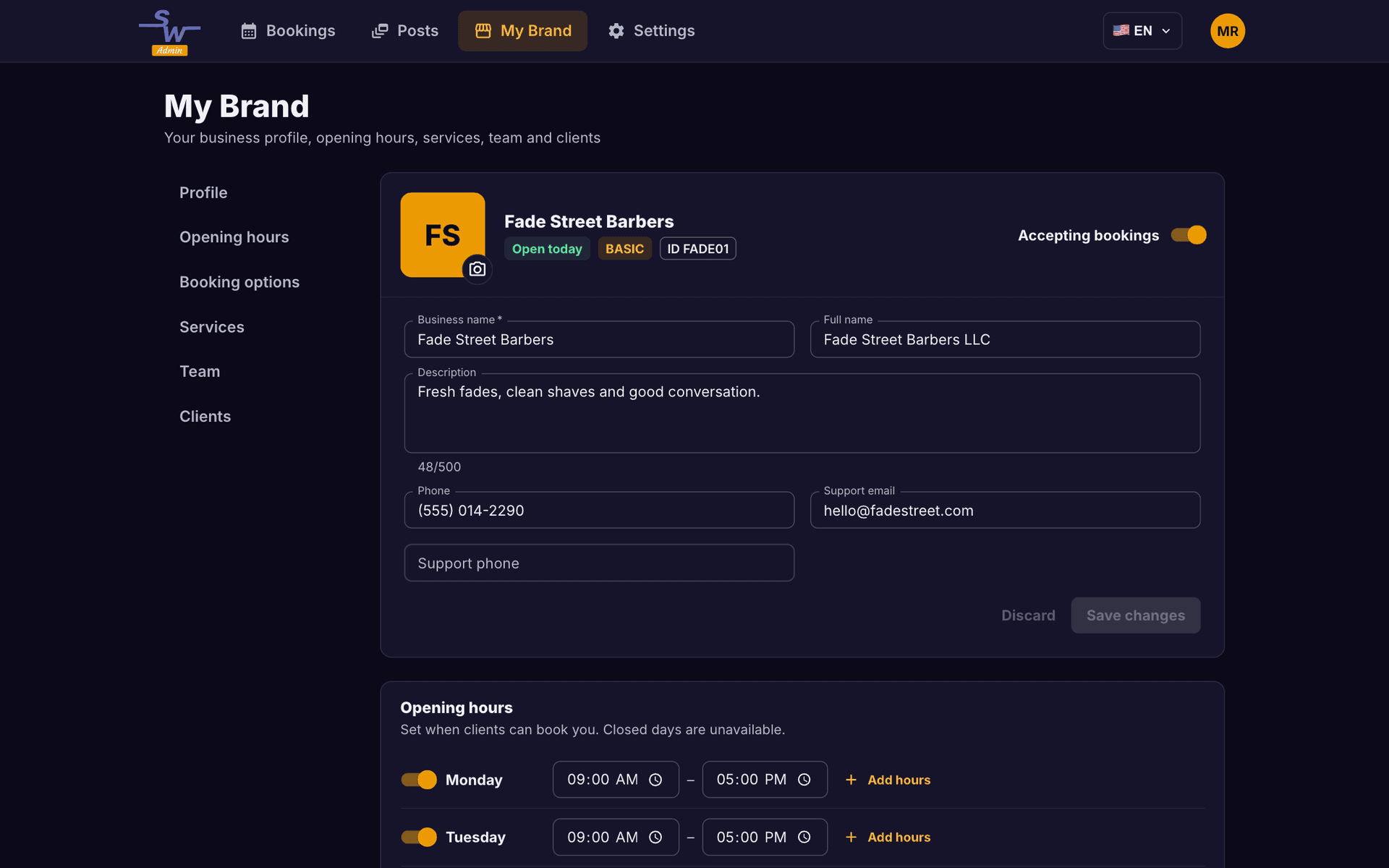
Your services aren’t one-size-fits-all. Build a menu that reflects what you offer, and give clients the details they need before booking.
Set service prices and durations, and offer optional add-ons.
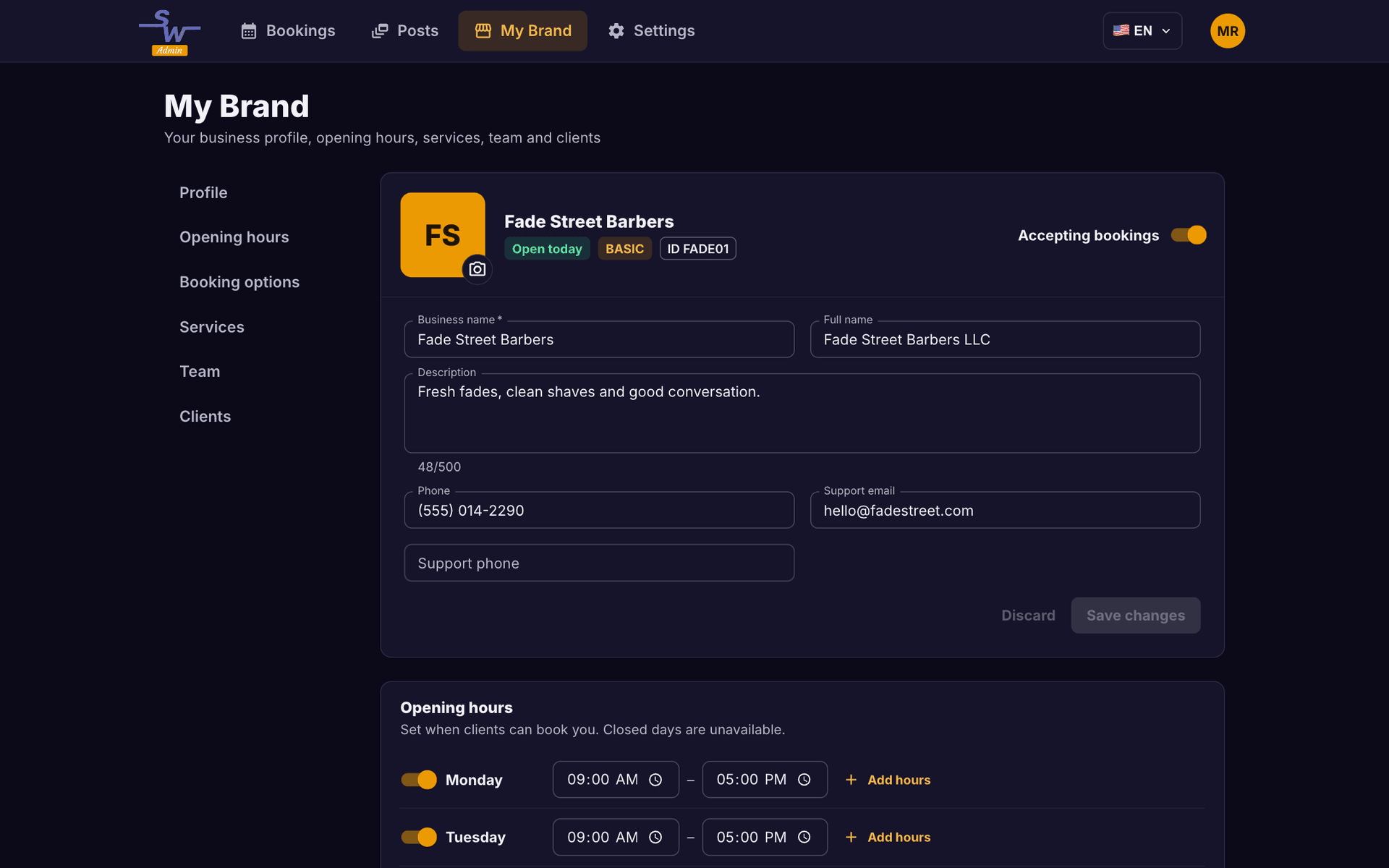
Show service photos, introduce your team and review your opening hours.
Keep your business description, contact details and social links together in My Brand.
From haircuts to wellness visits, Shortwaits helps you manage appointments and share announcements with clients. Find your type of business below.
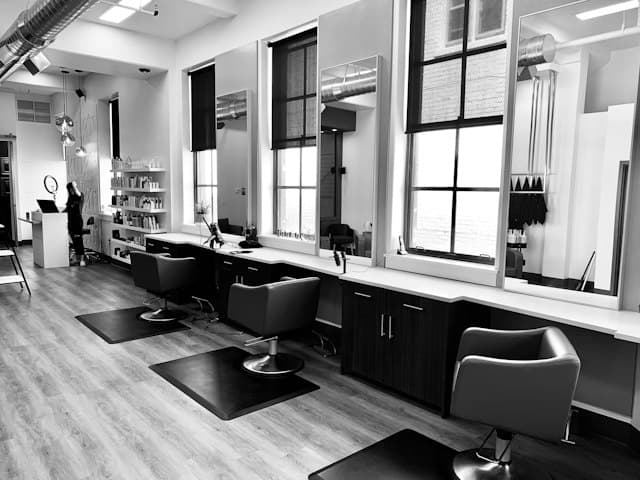
Haircuts, color & styling

Cuts, beard trims & grooming

Manicures, pedicures & nail art

Spa visits & sauna sessions

Aesthetic-service appointments

Massage & relaxation sessions

Personal training & recovery visits

Therapy & rehabilitation appointments

Consultations & scheduled visits

Tattoo & piercing appointments

Baths, trims & pet grooming
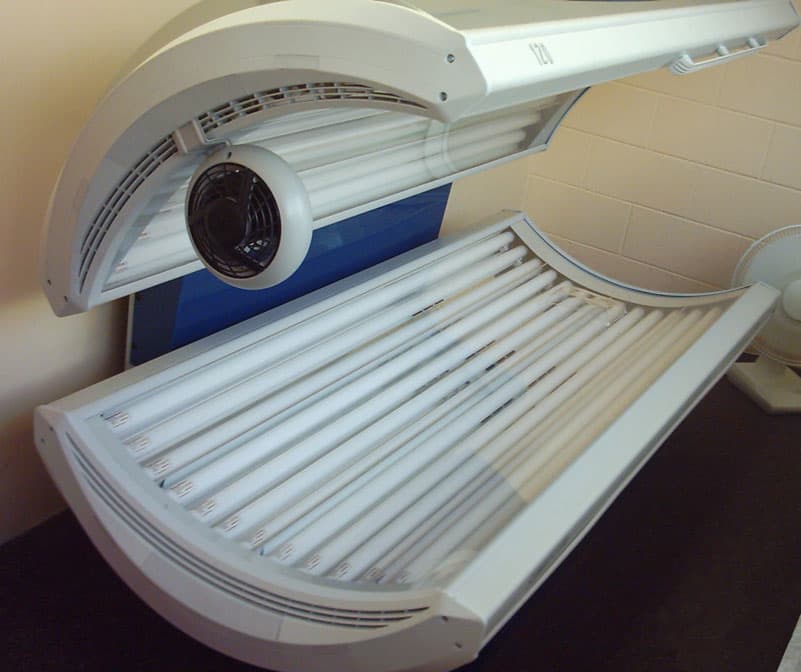
Tanning-studio appointments
These are examples of businesses that can use Shortwaits for bookings and client announcements. Add your own services during setup. For health-related businesses, Shortwaits is not a clinical-records system or a replacement for required healthcare tools.
Illustrative stock photos: Unsplash / Pexels · Janneman / Wikimedia Commons (CC BY-SA 3.0)Explore business typesBring your business into your clients' feed with posts, then manage the appointments and relationships that follow. Explore the tools in Shortwaits Admin.
Add your services, prices, durations, and staff in Shortwaits Admin.
Create bookings, assign staff, and keep track of each appointment through checkout.
Post announcements and photos that clients can see in the Shortwaits app. Reply to comments and stay connected between visits.
Publish a text or photo post from Shortwaits Admin on the web or in the admin app. Clients can follow your business and see your posts in the Shortwaits client app. They can like and comment, and you can reply to their comments. This is a shared conversation on a post, not private messaging.
Start with your name, sign-in email and password, then your business name, a short description, public phone number, country, currency and time zone. Your address is optional. After registration, My Brand helps you add services, review hours, choose payment methods and set up your team.
Yes. Clients can browse your public business profile and use your web booking link in a browser. They sign in to a client account and verify their email to complete a booking. You choose when to enable online booking.
Yes. Clients can choose multiple services and the add-ons you make available. You set up each service’s price, duration and optional extras so the booking reflects the visit.
Both. Set up the services you offer, add team members when needed, and assign professionals to appointments. Clients can choose an available professional during booking.
No. You configure the payment methods your business accepts, and clients can select an available preference during booking. That selection does not process a payment or charge their card online.
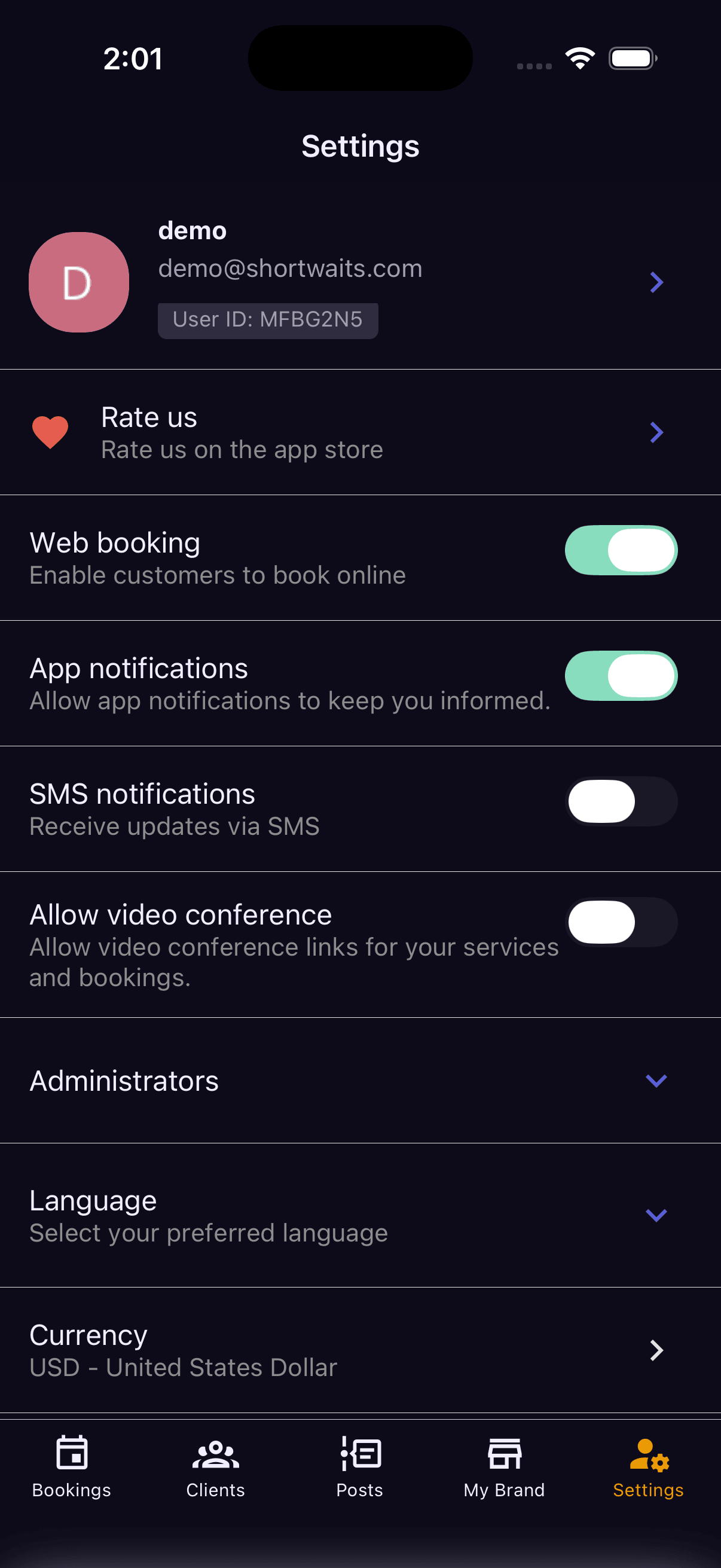
Use the signed-in web dashboard from your browser or Shortwaits Admin on iOS and Android. Your business account is separate from a client account.
Set up your business, share your first announcement and give clients a place to stay connected. Add services and enable online booking when you’re ready.
Available on