Book with a business you already know. Keep your appointments together and stay connected through announcements, offers, likes and comments.
Book your visits and stay connected with your businesses. Here’s what you can do with Shortwaits.
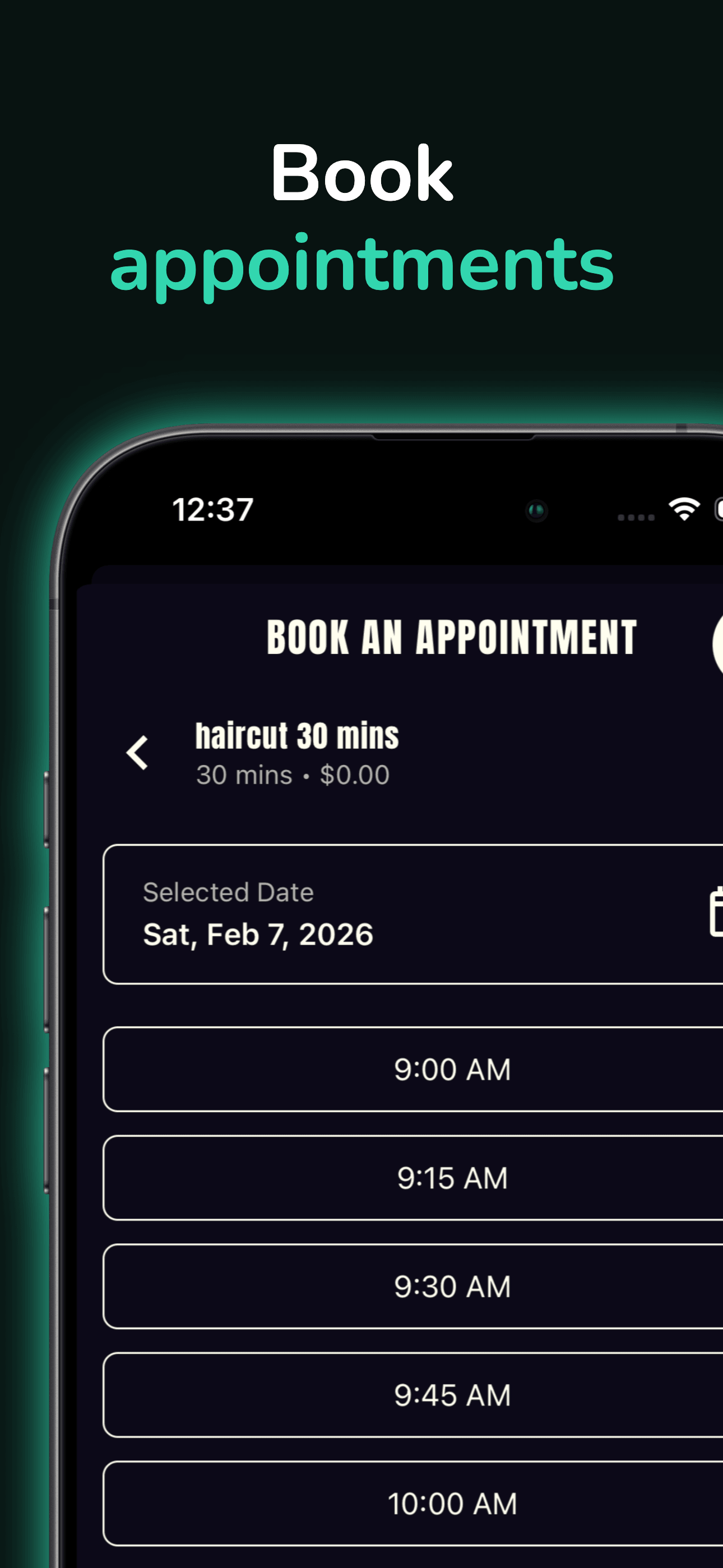
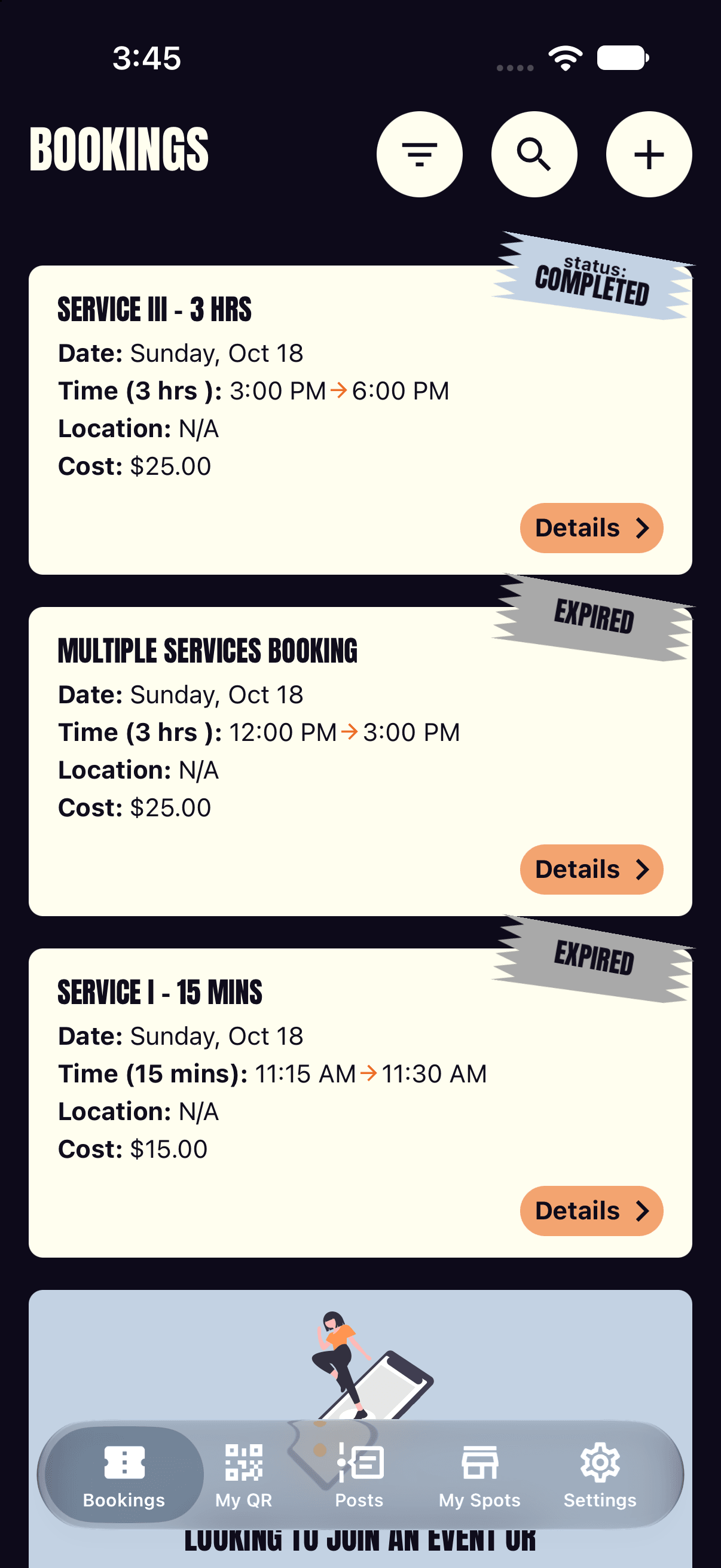
Choose services and an available time when your business enables online booking. Keep the details and status in your bookings.
See new services, offers and business news in your posts feed.
Like a business’s post or leave a comment. The business can reply, so the conversation continues between visits.
Pay the business using the payment methods it accepts. Shortwaits does not charge you in the app or process an online payment.
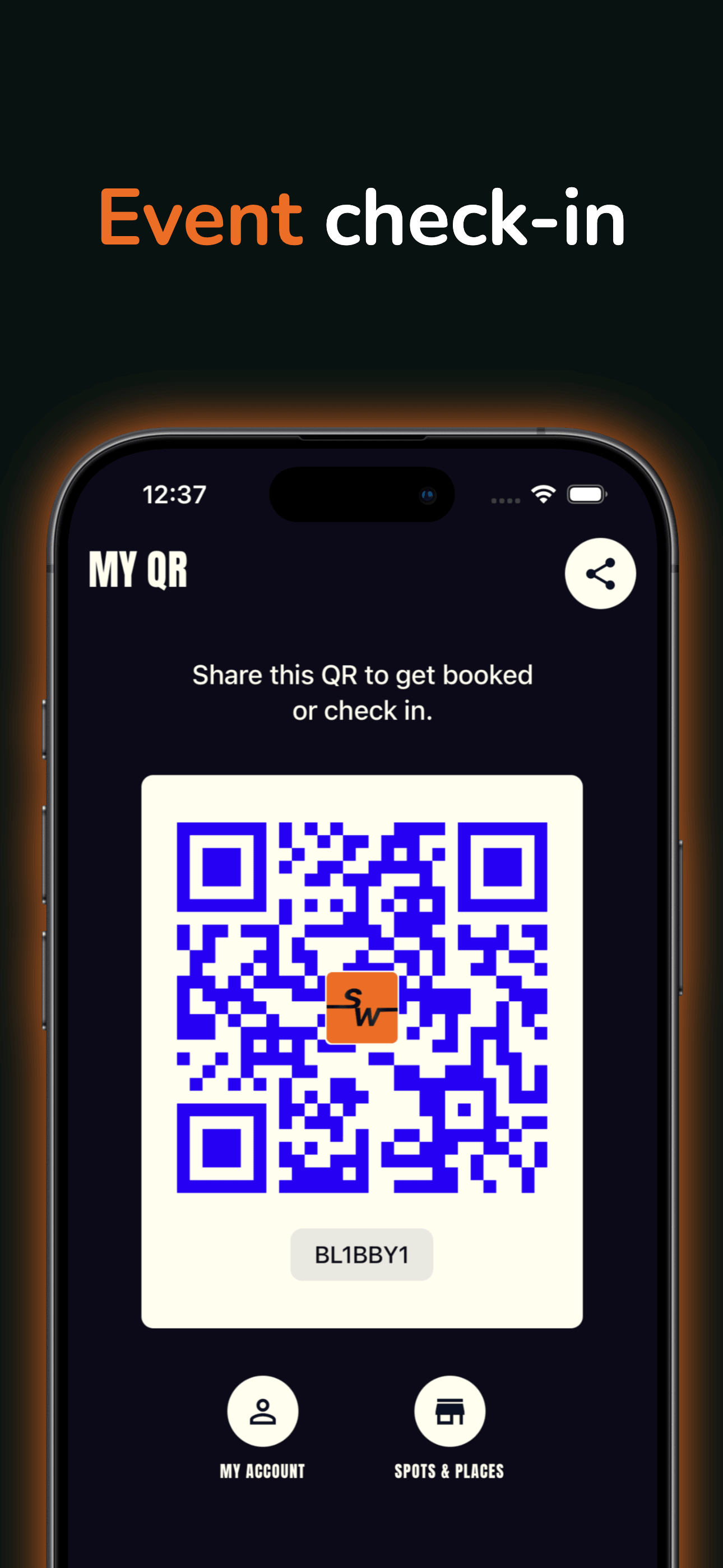
Book with your business. Show your QR at check-in. Read posts and get updates on your phone.
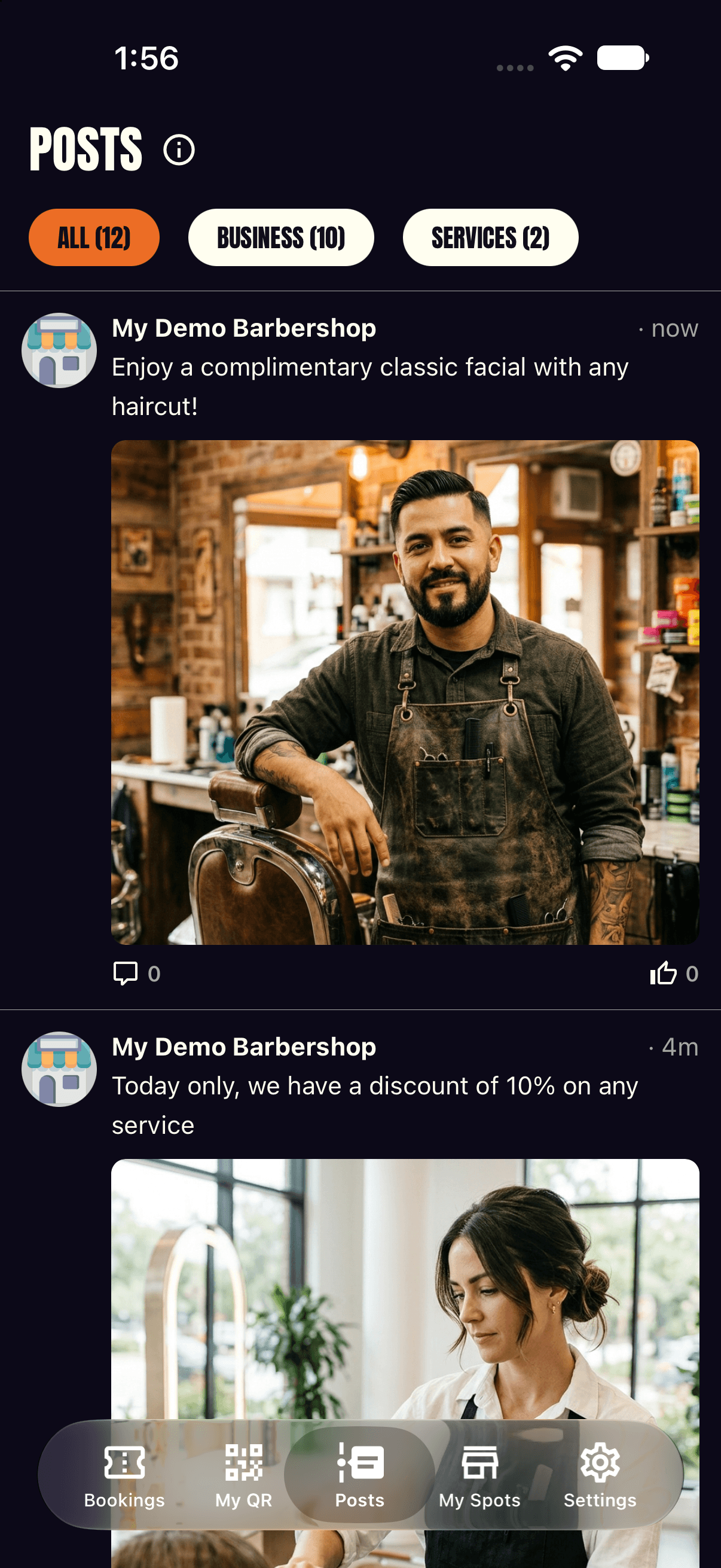
New posts from your business
Hear about announcements, offers and what's new.
Updates about your booking
Get booking alerts when your business sends them.
Ask your business for its Shortwaits link or code. In the app, add it to My Spots using its code or QR. There’s no business directory to browse.
When the business offers online booking, choose your services and an available time. Check your booking status before your visit.
Read new-service announcements, offers and changed hours in the app. Like a post or leave a comment—the business can reply.
Available on iOS & Android